Contractor Website Design: A 2026 Guide to Winning Local Leads
How general contractors turn a website from a digital business card into a lead-generation engine — plus the exact playbook we used for a 23-year Bay Area contractor.
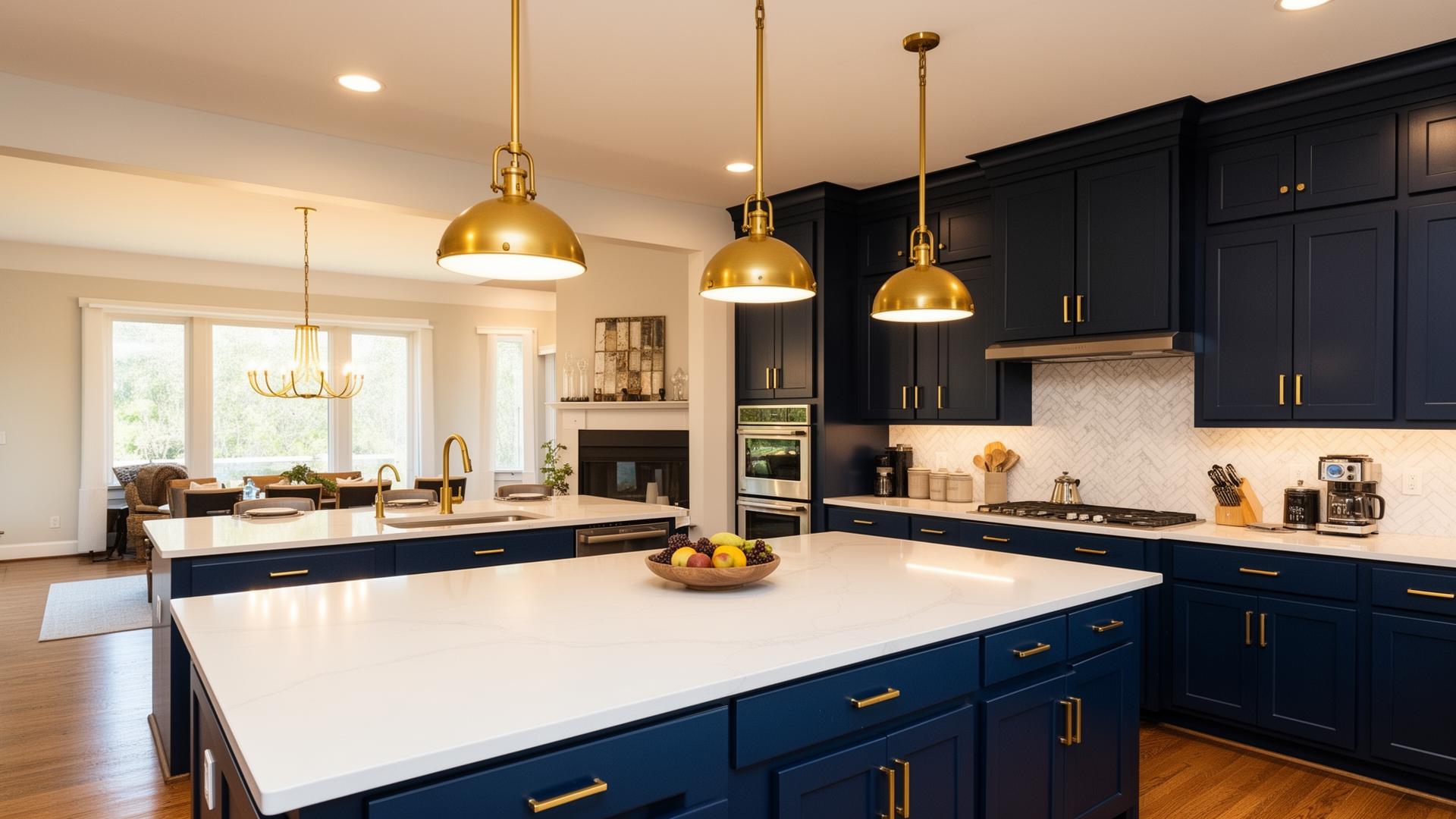
Photo: J Alejandre Builders — a CVA Solutions client site.
If you're a general contractor still relying on referrals and a two-page site from 2014, you're leaving real money on the table. Every month, over 1,000 homeowners Google "contractor website design" trying to figure out what their own builder should look like online — because the sites they're comparing quotes on don't feel trustworthy.
The good news: contractor web design isn't complicated. It's a handful of decisions done well. This guide walks through the exact framework we use at CVA Solutions when we rebuild a contractor's digital presence — the same one that took J Alejandre Builders, a 23-year family-owned general contractor in Richmond, CA, from zero online presence to a steady stream of qualified Bay Area leads.
The framework
6 principles every contractor website needs
Mobile-first design
Over 70% of homeowners search for a contractor from their phone. If your site pinches, zooms, or loads slowly on mobile, you're losing the lead before the first ring.
Local SEO foundation
Rank in the map pack for "general contractor near me" with a claimed Google Business Profile, consistent NAP across directories, and city-specific service pages.
Trust signals above the fold
Years in business, license number, insurance, real client photos, and review stars — visible without scrolling. Homeowners choose the contractor they trust, not the cheapest bid.
Fast, one-tap contact
A sticky "Get a Free Estimate" button, click-to-call phone, and a short intake form. Every extra field cuts conversions.
Content that answers real questions
Blog posts, project pages, and FAQs that answer what homeowners actually Google — cost, timelines, permits, before-and-afters.
Lead capture built to convert
Instant email notifications, SMS alerts, and a CRM handoff so no lead sits in an inbox for three days.
Case study
J Alejandre Builders: 23 years of craftsmanship, finally online
When we met the Alejandre family, they were doing beautiful work — full kitchen and bathroom remodels, additions, ADUs across Richmond, El Sobrante, and the East Bay — but had no meaningful digital presence. Every lead came from word of mouth. Every missed month meant losing a job to a bigger contractor with a better website.
- Mobile-first rebuild that loads in under 2 seconds on 4G.
- Real project galleries of finished kitchens, bathrooms, and full remodels.
- Local SEO targeting "general contractor Richmond CA" and neighboring cities.
- Instant lead capture — a short form that pings the owner's phone the moment it's submitted.
Live client site
alejandrebuilders.comAvoid these
6 mistakes that quietly kill contractor websites
We audit dozens of contractor sites a year. The same handful of problems show up over and over — and every one of them costs real jobs.
- ×Template Wix or GoDaddy site with stock photos of someone else's kitchen
- ×No phone number visible until you scroll to the footer
- ×Contact form buried three clicks deep with 12 required fields
- ×Zero project photos — or blurry cell-phone shots taken during demo
- ×No city or service area anywhere on the homepage
- ×"Coming soon" on the reviews or portfolio page for the last two years
Construction web design vs. contractor website design
The two terms overlap, but there's a real difference in strategy. Construction web design usually refers to larger commercial firms, developers, and design-build outfits — sites that need to speak to architects, project owners, and municipalities. Contractor website design, especially for residential general contractors, is about earning the trust of a homeowner in under 10 seconds.
For residential contractors in markets like the Bay Area, the winning formula leans hard into local trust and speed: real people, real jobs, real neighborhoods. For commercial construction, add credentials, certifications, safety record, and past-project scale.
In both cases the mechanics are the same — fast site, clear service pages, obvious contact, and SEO built around the cities and services you actually work in.
Copy this
The 10-point contractor website checklist
Save this. Every green check is a decision that measurably improves your close rate.
- Real photos of your crews and finished projects (not stock)
- License #, bonded/insured badges, and years in business above the fold
- Click-to-call phone in the header on every page
- Dedicated service pages: kitchen remodel, bathroom, ADU, additions, etc.
- City-specific landing pages for each town you serve
- Google reviews embedded with a real average and count
- Fast page load (under 2.5s LCP on mobile — Core Web Vitals green)
- Schema markup: LocalBusiness, Service, Review, FAQ
- Sitemap.xml + robots.txt + verified Google Search Console
- Analytics + a real lead-tracking pipeline (email + SMS + CRM)
The bottom line
A great contractor website isn't about looking fancy. It's about earning trust fast and making the next step obvious. Do that, and you'll pull in the kind of homeowner who already decided you were the one before they filled out the form.
If you're a Bay Area general contractor and this checklist just made you cringe at your current site — that's normal. We rebuild contractor websites for a living. Book a free consultation and we'll walk your site with you and tell you exactly what to fix, whether you hire us or not.